The AI-native workspace that thinks on your machine. Talk to it, and it does what you imagine.


Early access is opening in waves, design partners first. Join early access
From the build we use to run Sozenta.
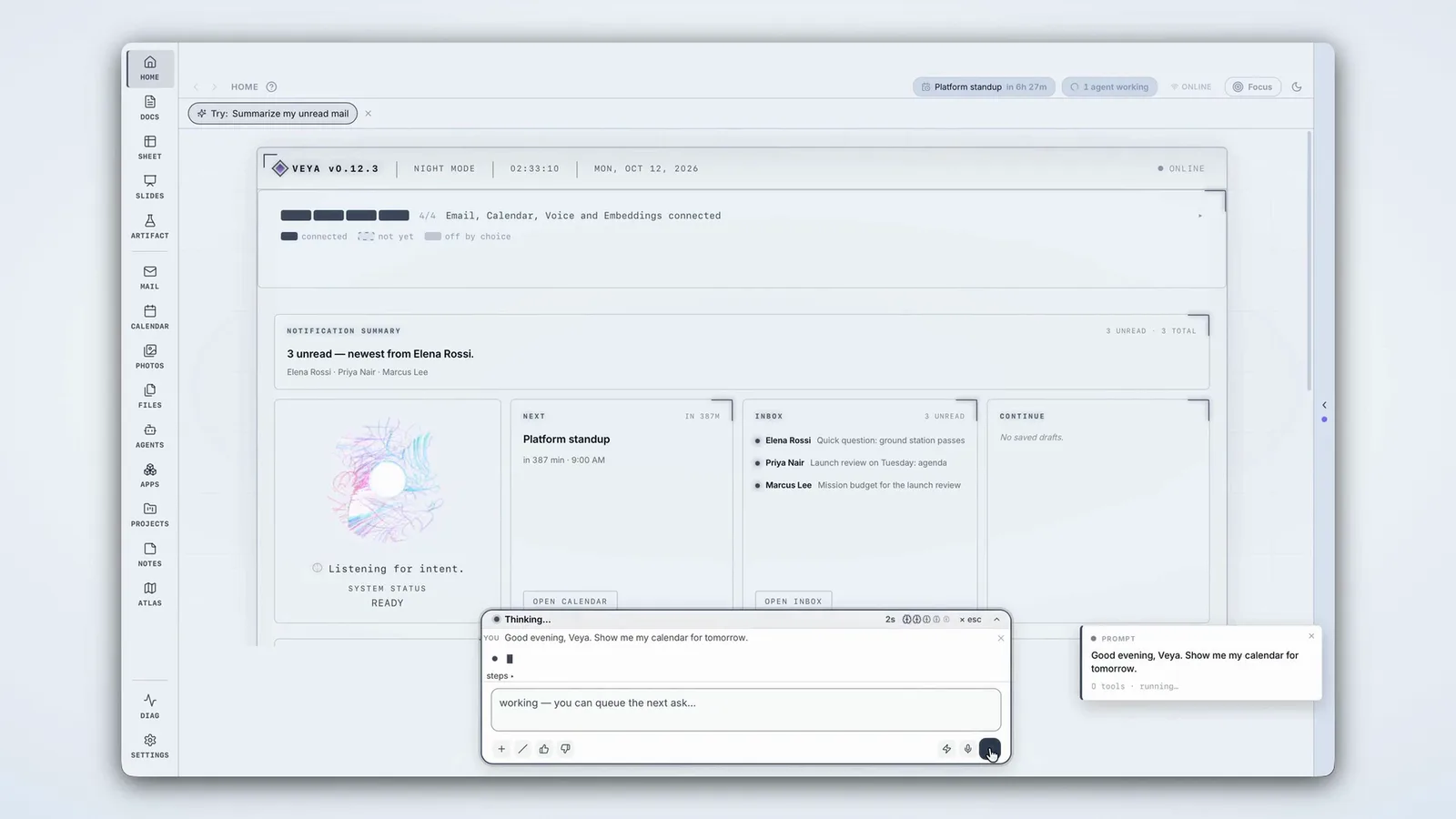
Veya is a desktop workspace for macOS, Windows and Linux. You don’t navigate it app by app. You tell it what you want.
Three ideas run through the whole surface:
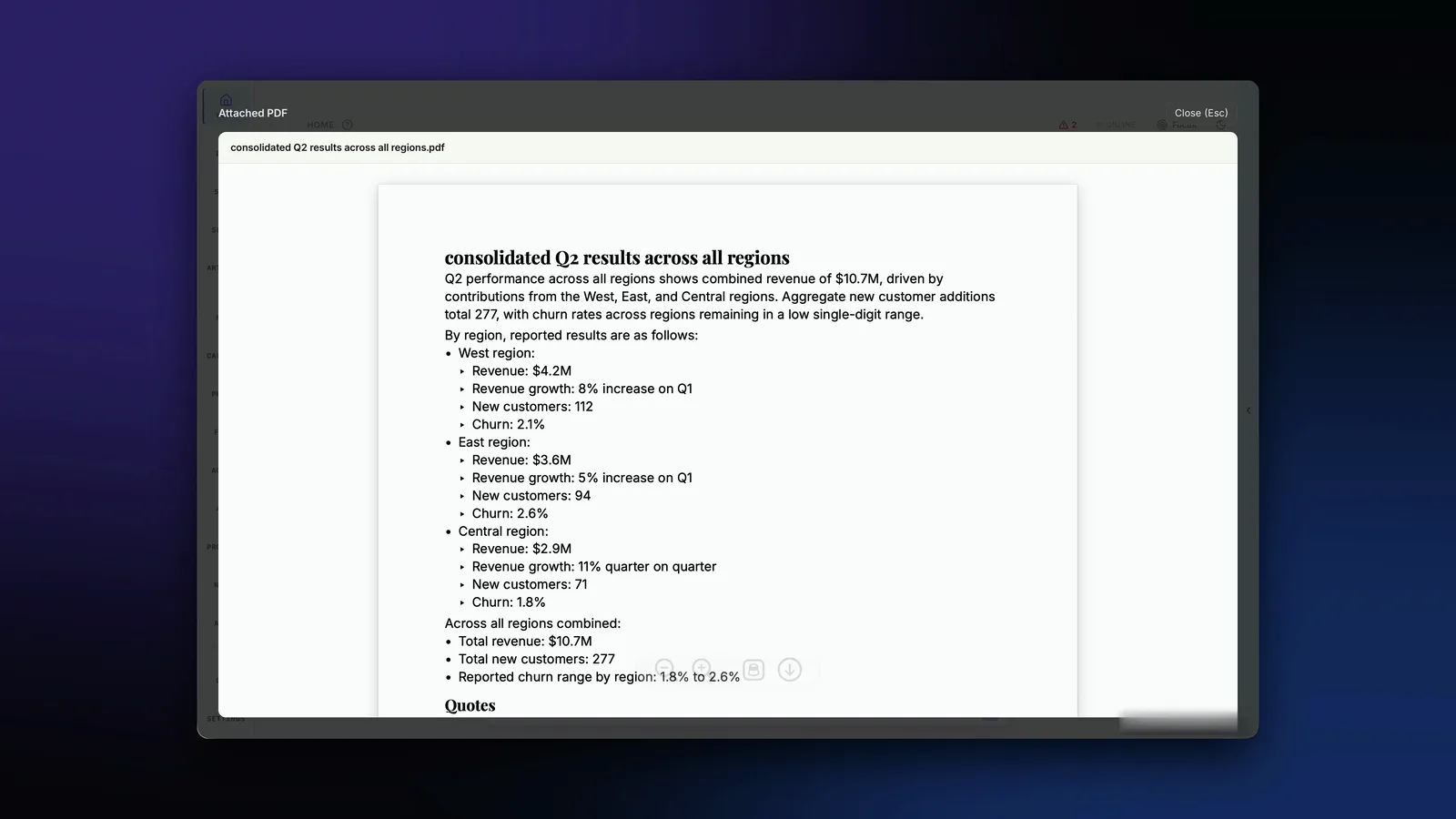
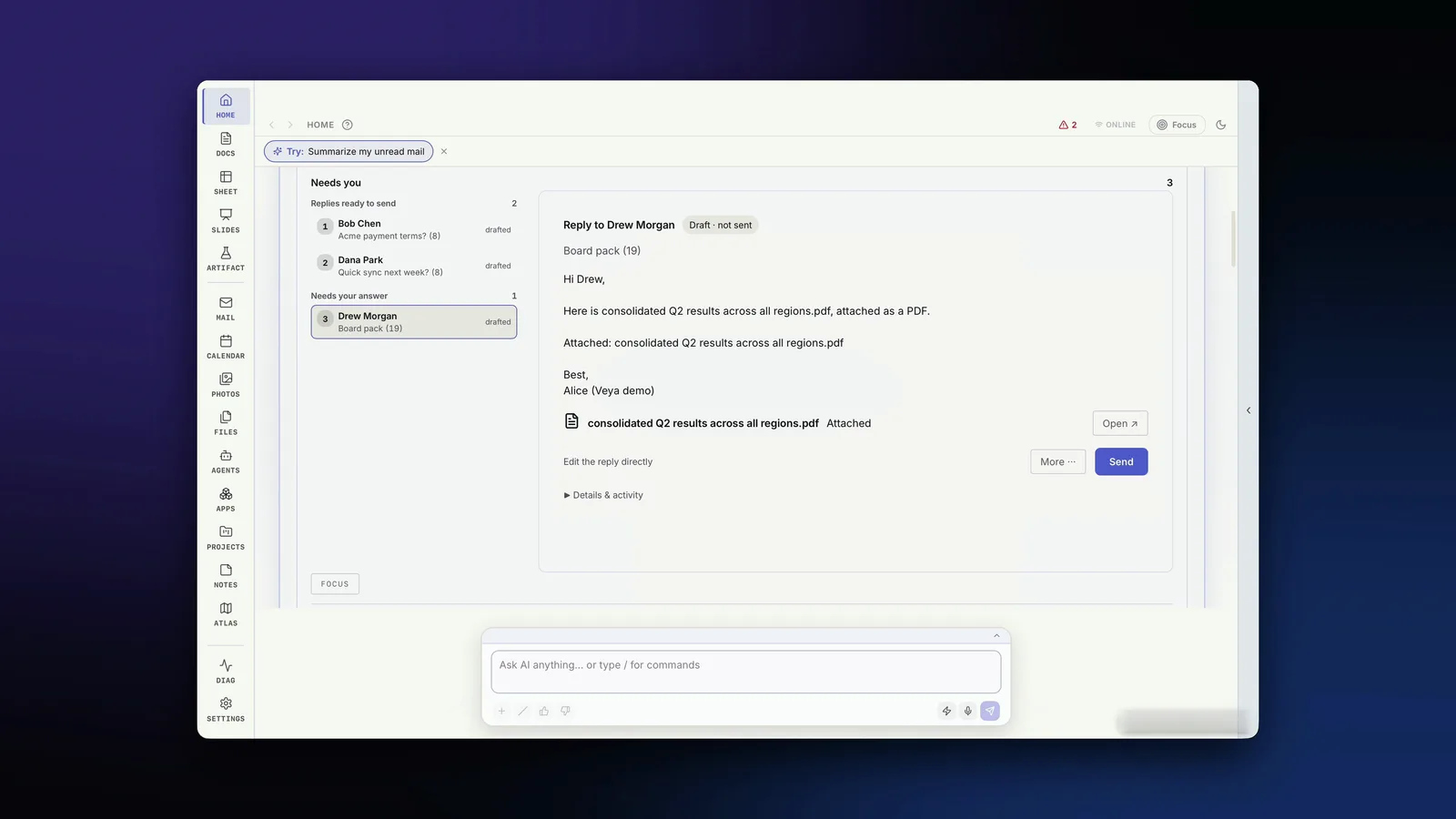
Most of the work in an inbox is not reading. It’s the reply: finding the numbers, writing the summary, attaching the file. Reply Ready does that part.
Gmail is the first mail integration. More providers follow. Watch Reply Ready.
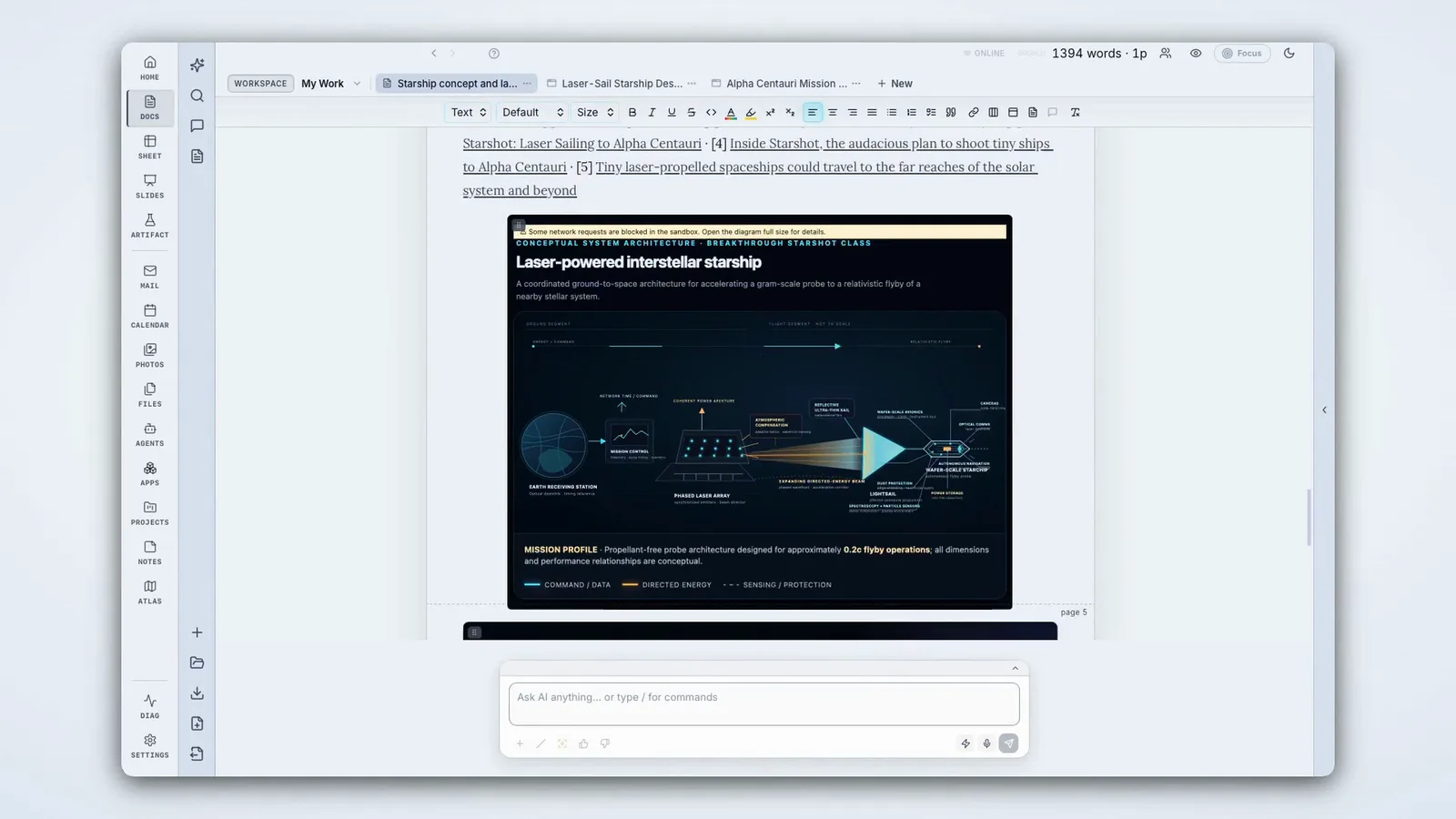
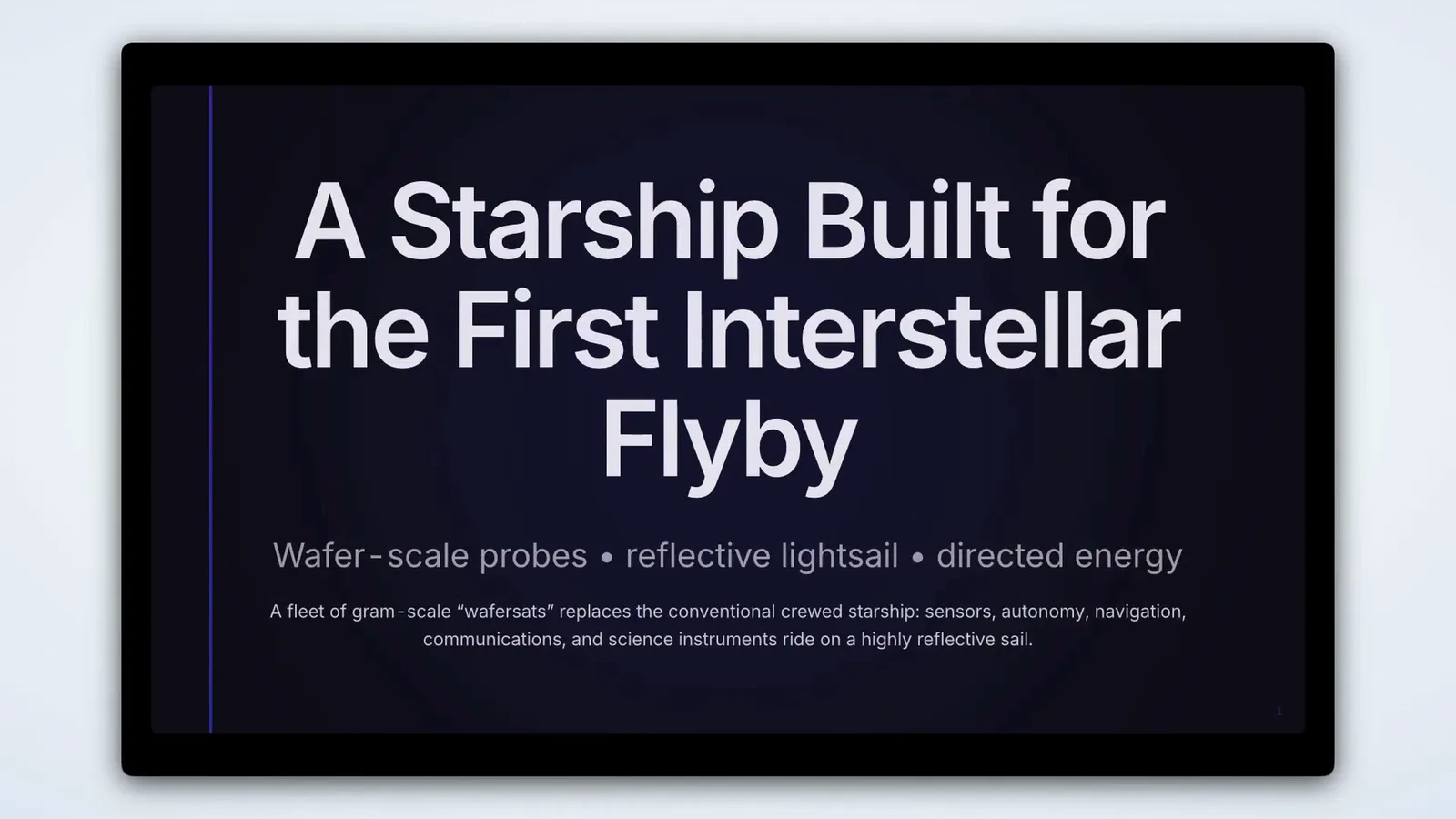
Veya’s canvases are where the work lands: Docs, Sheets, Slides, Mail, Calendar, Notes, Photos, Files, Projects, Agents and Apps, all driven from the same prompt bar.
Each section can be researched, edited and validated on its own. The file underneath is plain Markdown, readable outside Veya.
Every model call goes through Vera. Use a frontier API, a model on your own machine, or your team’s fine-tune. The workspace doesn’t change when the model does.
The more an assistant knows about you, the more useful it is, and the more it matters where that knowledge lives. In Veya, it lives on your machine.
~/Library/Application Support/app.veya.editor/docs.sqlite3 ~/Library/Application Support/app.veya.editor/mail.sqlite3 ~/Library/Application Support/app.veya.editor/notes.sqlite3 ~/Library/Application Support/app.veya.editor/photos.sqlite3 ~/Library/Application Support/app.veya.editor/index.sqlite3
Open any of them in sqlite3. If Veya disappears tomorrow, your data does not.
AI changes come with accept / reject / edit before they touch your files. Point Veya at local models and it runs fully on your machine.
Bring a workflow, like an IC memo, a weekly report or a customer-research pipeline, and shape Veya around it. Free during the program, with a direct line to the founder.
Gutenberg's press was portable. Any workshop in Europe could set one up and print. That is why it won.